From signup to your first answered call, this guide covers everything you need to know to get your AI phone agent up and running. Most businesses complete the entire setup in under an afternoon.
Before You Start: What You'll Need
Setup Requirements
Account Setup & Business Profile
~30 minutes
Create Your Account
Start by scheduling a demo call with our team. During this call, we'll create your account and gather basic information about your business.
Complete Your Business Profile
Fill in the essential details:
- Business name (as you want the AI to say it)
- Address and location details
- Business hours
- Phone number(s)
- Website URL
Choose Your Agent's Voice & Name
Select from available voice options and give your AI a name. Many businesses choose names that fit their brand, "Marina" for a boat tour, "Alex" for a neutral professional tone, etc.
💡 Pro Tip
Listen to all available voice samples before choosing. The voice will represent your business on every call, so pick one that matches your brand personality.
Product & Service Configuration
~45 minutes
Add Your Services/Products
Enter every offering your AI should know about:
- Service name and description
- Pricing (including any variations)
- Duration
- Capacity limits
- Any requirements or restrictions
Set Up Availability Rules
Define when each service is available. This might include:
- Days and times offered
- Seasonal availability
- Blackout dates
- Lead time requirements
- Booking cutoff times
Configure Pricing & Discounts
Set up any special pricing rules:
- Child/senior pricing
- Group discounts
- Promo codes
- Seasonal pricing
- Package deals
Knowledge Base & FAQ Setup
~45 minutes
Build Your FAQ Library
Add answers to common customer questions. Categories typically include:
- Logistics (parking, meeting location, what to bring)
- Policies (cancellation, refunds, rescheduling)
- Requirements (age limits, health restrictions)
- What to expect during the experience
- Weather policies
Add Business-Specific Knowledge
Include information that makes your AI sound knowledgeable:
- Local area information
- Industry-specific terminology
- Current conditions (wildlife sightings, weather patterns, etc.)
- Company history or unique selling points
💡 Pro Tip
Write FAQ answers as you would naturally say them on the phone, not as formal documentation. Conversational answers sound more authentic.
Integration Setup
~30 minutes
Connect Your Booking System
Link your existing booking platform so the AI can check real-time availability and create bookings. Supported platforms include FareHarbor, Rezdy, Peek Pro, Checkfront and many others.
Set Up Payment Processing
Connect your Stripe account to enable phone payments. The AI will send payment links via SMS during calls, allowing customers to complete purchases instantly.
Configure Notifications
Set up how you'll receive updates:
- New booking notifications
- Escalation alerts
- Daily summary reports
- Call recording access
⚠️ Important
Make sure to test the booking integration with a real test booking before going live. Confirm the booking appears correctly in your system.
Conversation Design
~30 minutes
Customize Your Greeting
Write the opening message your AI will use. Make it friendly, informative and on-brand. Example: "Thanks for calling Blue Ocean Tours! This is Marina. How can I help you today?"
Define Escalation Rules
Specify when the AI should transfer to a human:
- Customer complaints
- Complex custom requests
- Questions outside the AI's knowledge
- Explicit requests for a human
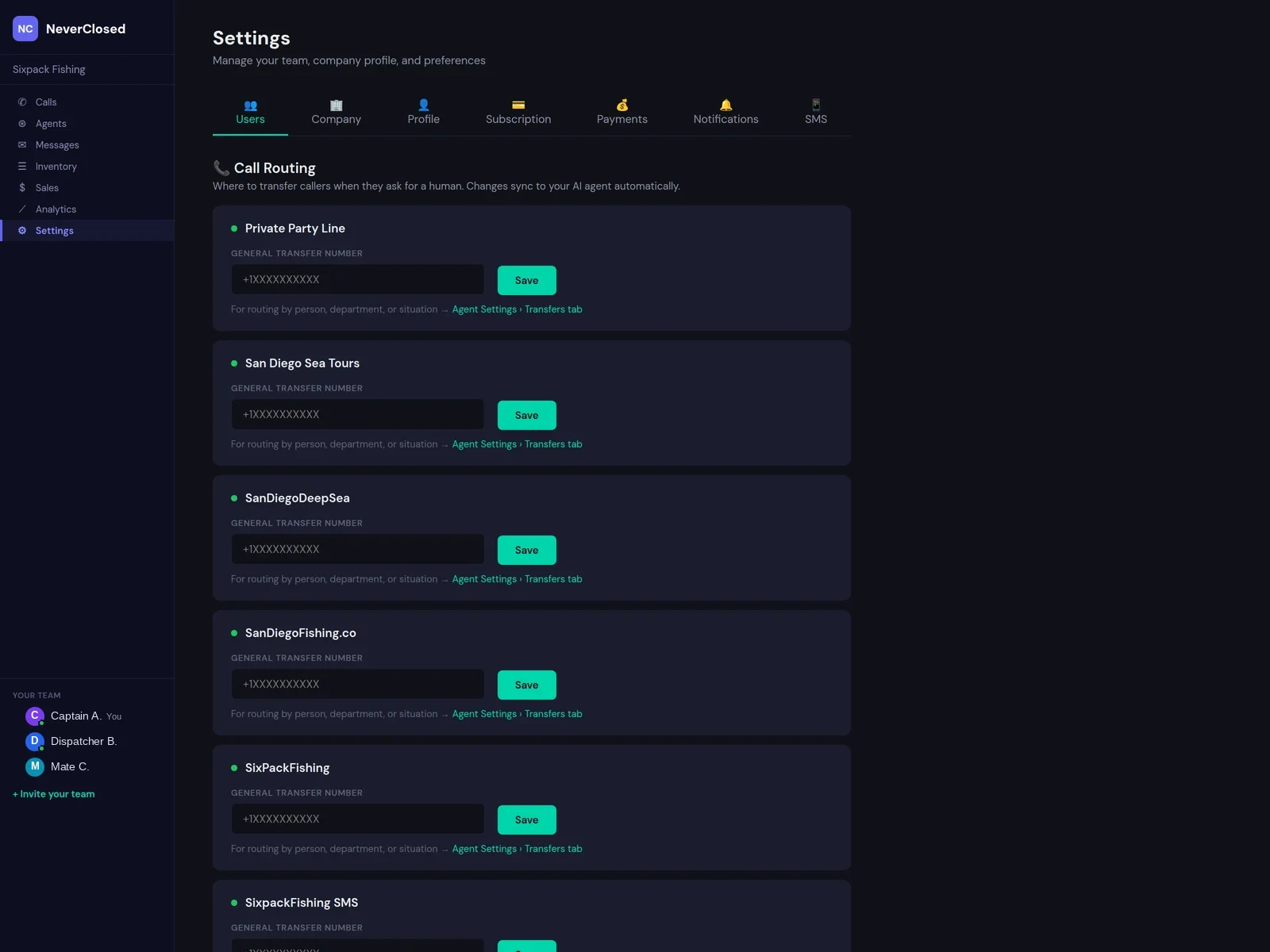
Set Up Transfer Numbers
Configure where calls should be transferred when escalation is needed. You can set different numbers for different times of day.
Testing & Launch
~30 minutes
Make Test Calls
Call your AI agent multiple times with different scenarios:
- Basic availability inquiry
- Complete a test booking
- Ask FAQ questions
- Request transfer to human
- Test edge cases specific to your business
Review and Refine
Listen to your test call recordings. Note any awkward responses or missing information, then update your configuration accordingly.
Go Live!
Once testing is complete, activate call forwarding from your existing number to your new AI agent. You can start with after-hours only if you prefer a gradual rollout.
Post-Launch Checklist
First Week To-Dos
Common Questions During Setup
Can I keep my existing phone number?
Yes! We use call forwarding, so your existing number stays the same. Customers won't notice any change.
What if my booking system isn't on the supported list?
Contact us, we're adding new integrations regularly and may be able to accommodate your platform.
Can I have different settings for different times?
Absolutely. Many businesses use the AI for after-hours calls only or have different greetings for weekends vs. weekdays.
How do I update information after launch?
You'll have access to a dashboard where you can update FAQs, pricing, availability and other settings at any time.
Ready to Get Started?
Schedule your setup call and we'll walk you through every step. Most businesses are live within 24 hours.
Schedule Setup CallThe Bottom Line
Setting up an AI phone agent isn't complicated, it's essentially the same as onboarding a new employee, just faster. The key is thorough preparation: gather your information, think through your FAQs and test before going live.
Most of our customers are surprised at how quickly they're up and running. By this time tomorrow, you could have an AI answering every call, 24/7 with the knowledge and personality to represent your business perfectly.